Features
- You are not able to login to a streaming service using this app, to do that you must use the official MusicCast Controller app for iOS or Android.
- You can't play music from your local library using this app.
- You can't add new devices to your MusicCast system using this app.
Common features between Mac and Windows
Most of the features that you find in the official Yamaha MusicCast Controller app for iOS and Android are also available in this app.
Below you will find a selection of the features.
Languages
The app supports both English and Swedish.
Dark mode
Switch between light and dark theme of the app.
Notifications
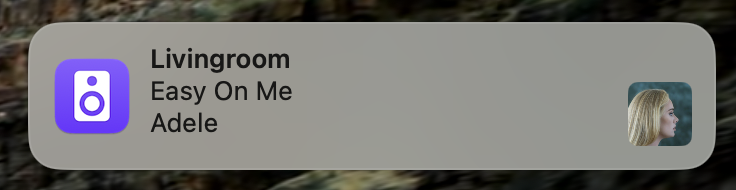
You get system notifications when a new track is played. If you click on the notification the app will get in focus and change to the player view.
Presets
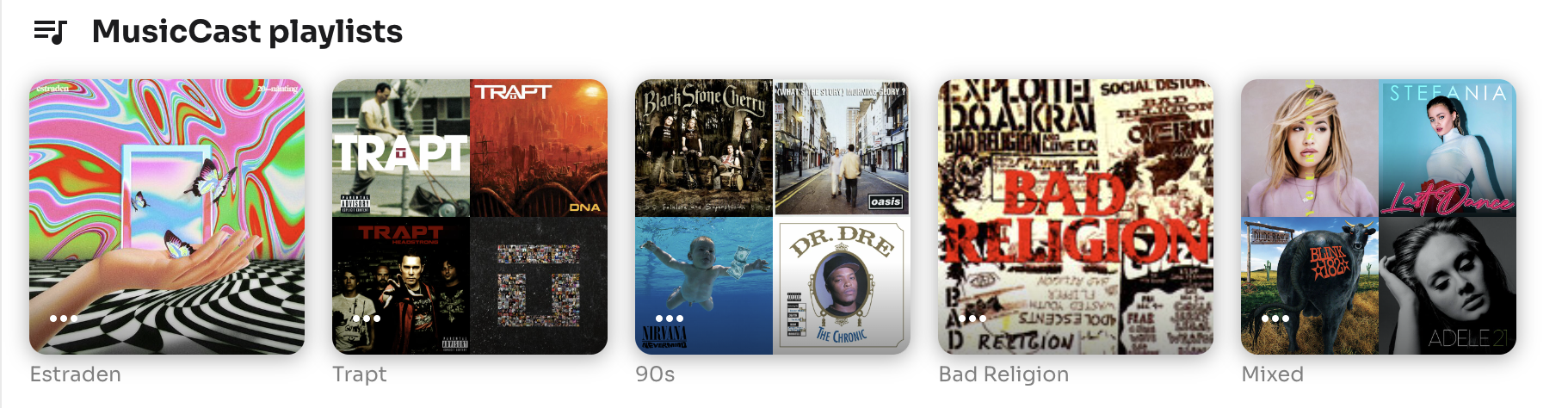
Add your favorite radio stations, playlists, albums, tracks to the presets.

MusicCast Playlist
Create and manage your MusicCast playlists. The difference between a MusicCast playlist and a playlist with a streaming service is that with a MusicCast Playlist you can add tracks from different streaming services.
Settings
Manage all your settings for your devices like receivers, speakers, amplifiers etc.
Player
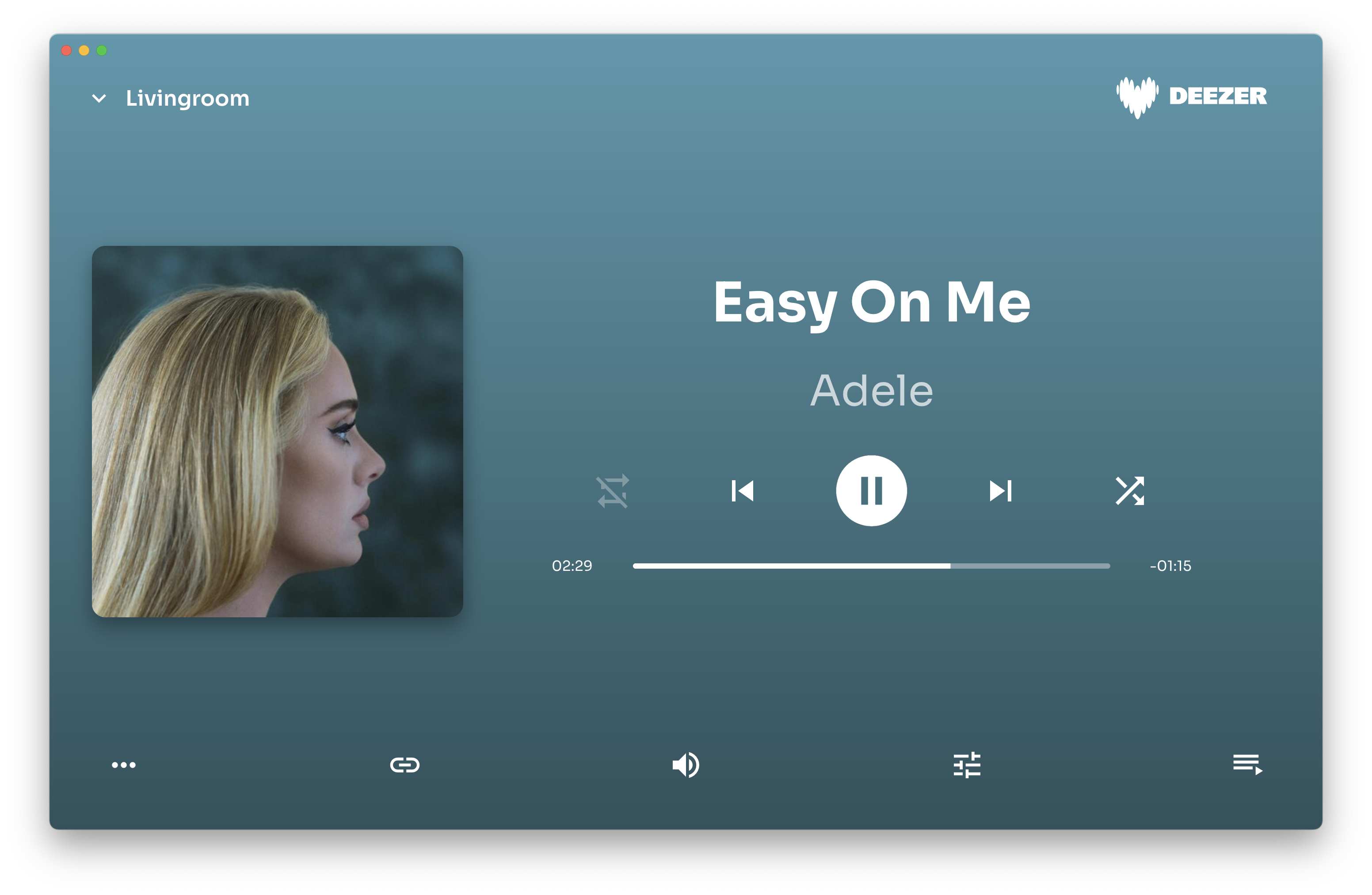
Player view with all the information about the current track, artist, volume and more.
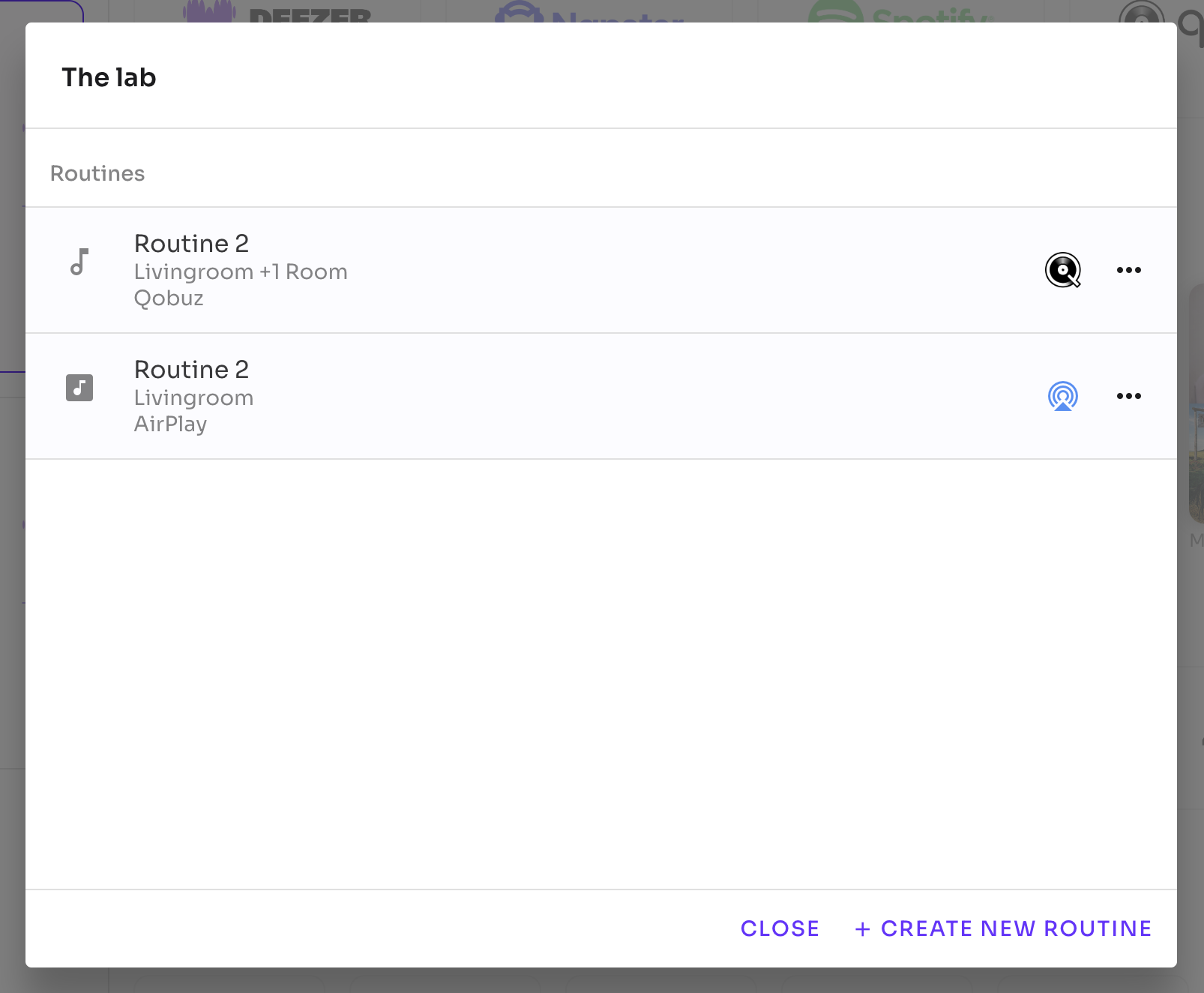
Routines
All data in the app is fetched from the Yamaha device, except for the routines. They are saved locally on your computer.
A routine is a sequence of commands that you can run with a single click. For example:
- Start the livingroom receiver with the input "Spotify" and set the volume to -40dB.
- Start the kitchen speaker with a preset and set the volume to 25 and link it with the livingroom receiver.
Locations
Switch between your different locations easy with a tab bar at the top of the devices list.

Mac specific features
Touchbar support. Play, pause, volume, next and previous track, control it with your touchbar.

Windows specific features
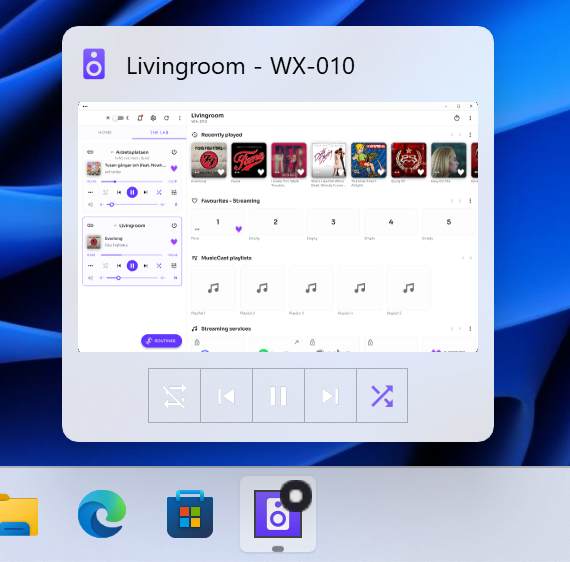
Taskbar thumbnail Preview. Hover over the app icon to reveal fast access to play, pause, next and previous track etc.